Meeting platform first
We start with the platform your team already uses — Zoom, Teams, Google Meet, or a room PC — and design the room around it so the experience stays familiar.
Solution
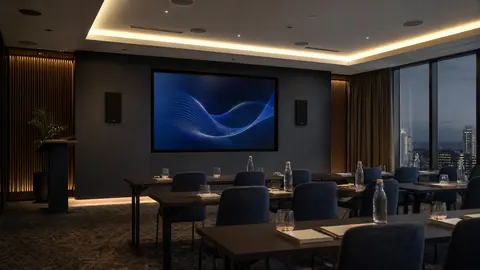
Media Nexus creates meeting and conference room environments that support presentations, collaboration, video conferencing, and hybrid work without forcing staff to troubleshoot the room before every meeting.
What we do
We design and install conference room AV for Metro Atlanta offices, from huddle rooms to boardrooms and training spaces. The work starts with the meeting platform your team already uses — Zoom, Microsoft Teams, Google Meet, or a room PC — then we plan the display, camera, audio, control, and wiring around the room. We test the room with your team before we leave and make sure the everyday controls are clear enough for people to walk in and start a meeting without an IT ticket.
Choosing a room setup? Compare BYOM and native meeting rooms.
Why Media Nexus
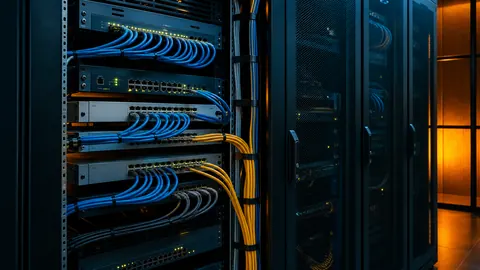
Every room is planned, installed, and tested as a complete system — not a pile of equipment.
Zoom Rooms, Microsoft Teams Rooms, and Google Meet Rooms planned around your existing workflow
4K displays and interactive whiteboards mounted clean with in-wall wiring
Ceiling microphones that pick up the whole room — no one-sided conversations
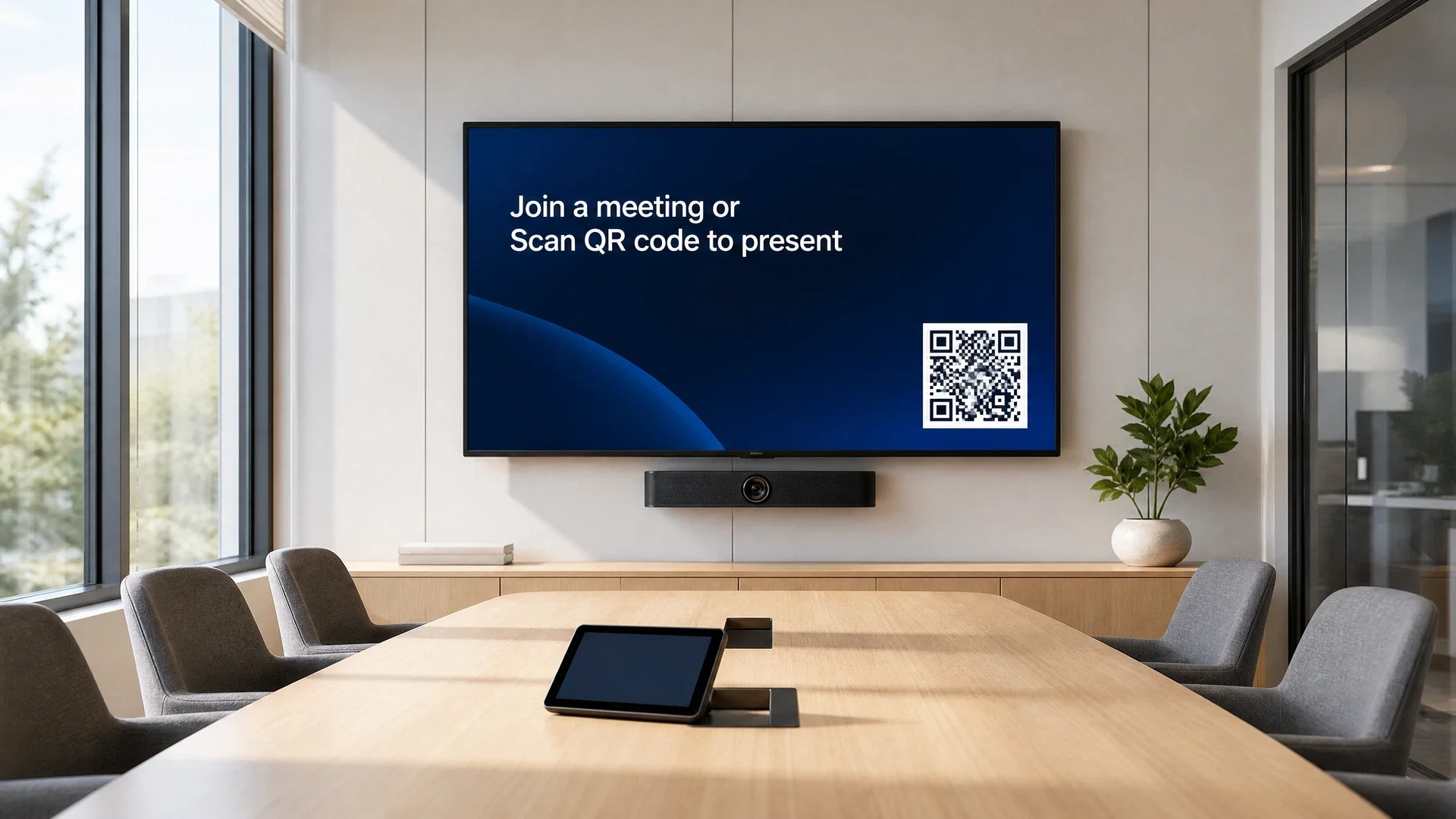
Wireless presentation so anyone can share their screen without a cable
Room scheduling displays outside the door — no more double-bookings
Simple room controls — the meeting starts without hunting for inputs or remotes
We test everything before we leave — you don't inherit a broken system
Support after the install — if something stops working, call us
How we do it
We approach each part of the meeting room as part of one system — platform, display, audio, scheduling, and control.
We start with the platform your team already uses — Zoom, Teams, Google Meet, or a room PC — and design the room around it so the experience stays familiar.
From all-in-one conference bars to ceiling-mounted speakers, microphones, and cameras — sized to the room so remote participants see and hear everyone clearly.
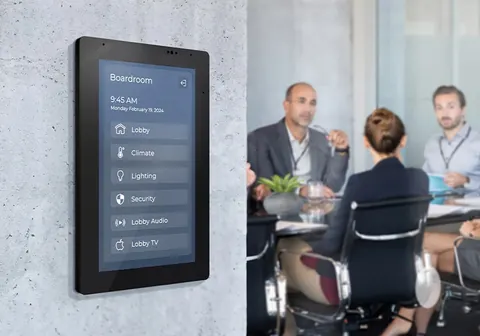
Scheduling panels outside the door show availability and let people book the room on the spot, eliminating double-bookings.
One-touch or walk-in start. The room wakes up, the display turns on, and the meeting joins — no hunting for inputs, remotes, or dongles.
Who this is for
We design and install meeting-room systems across these environments, each with its own requirements.
Next step
Tell us about your space and the platform you use. We'll recommend the right room setup — display, camera, audio, control — and give you a free quote.
Meeting platforms
The room hardware and controls are designed around your existing meeting platform, so staff walk into a familiar experience.

Purpose-built rooms running Zoom's dedicated room software with one-touch join, wireless sharing, and calendar integration.

Teams-certified rooms that integrate with your Microsoft 365 environment, Exchange calendar, and existing Teams workflow.

Google Meet hardware and room kits for organizations standardized on Google Workspace and Calendar.

Conference room systems for every room size — from the MeetUp 2 for huddle rooms to the all-in-one Rally Bar family for mid-to-large rooms, with certified Zoom and Teams appliances, AI framing, and clean audio.

Purpose-built video devices for Zoom and Microsoft Teams — the Neat Bar and Neat Bar Pro with intelligent auto-framing, advanced audio processing, and simple one-touch join for small-to-large spaces.

Certified Microsoft Teams Rooms and Zoom Rooms systems — the MeetingBar series combines camera, microphones, and speakers in one unit, with scalable MVC kits for boardrooms and large spaces.
A room PC or open USB/HDMI setup that works with any platform — useful when the organization uses more than one meeting tool.
FAQ
Straightforward answers about platforms, timelines, integration, and support.
Related solutions
Most environments benefit from more than one coordinated system. These related pages help visitors understand the broader technology picture.