Content plan first
We start with who owns the content and how often it changes, then build branded templates so daily updates are drag-and-drop — no design or IT skills required.
Solution
Media Nexus designs signage and display environments that help organizations share timely information, reinforce brand, and improve communication across public and operational spaces.
What we do
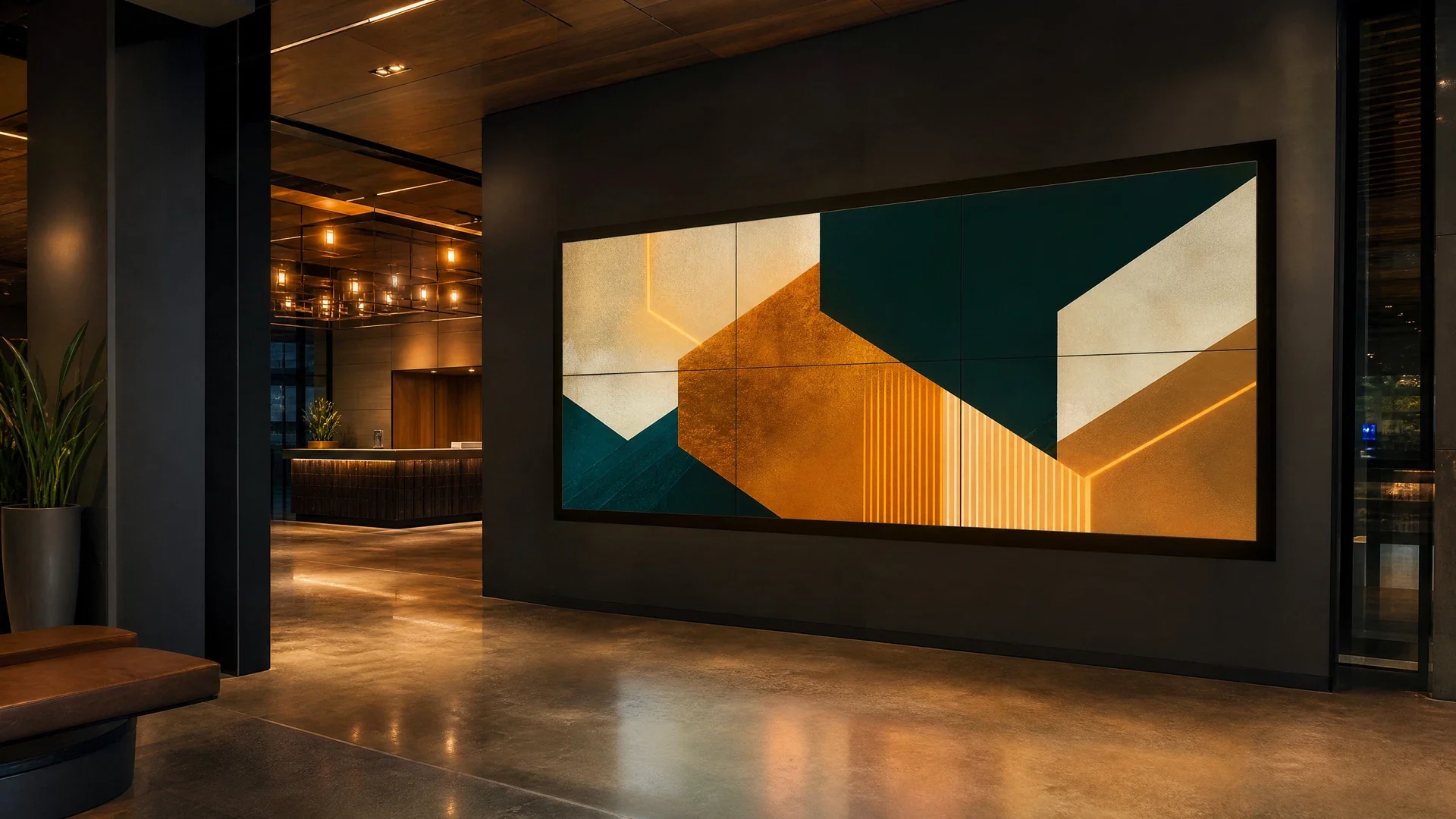
We design and install digital signage for Metro Atlanta and Georgia organizations — lobby directories, digital menu boards, corporate communication screens, wayfinding, and video walls. The work starts with your content: who updates it, how often it changes, and what each screen needs to show. Then we specify the display and media player for each location, set up a cloud-based content management platform your team can run from any browser, and train the people who will own it — so a directory update or a menu change takes minutes, not a service call.
Why Media Nexus
Displays, players, content platform, and training are delivered as one system — so your team can actually run it after we leave.
Cloud-based content management — update any screen from any browser, from anywhere
Drag-and-drop content editor with 50+ widgets — slideshows, videos, scrolling tickers, weather, news, and social feeds
Live data on screen — Outlook and Google calendars, event schedules, dashboards, and RSS/XML feeds update automatically
Playlist scheduling — set play durations, recurring schedules, and expiration dates so content rotates itself
Screen groups and multi-site control — update one screen, a building, or every location from one login
Keeps playing through internet outages — content caches on the player and resumes automatically after power loss
Screen status monitoring and proof-of-play reporting — know every screen is online and what played, when
Interactive touch directories and kiosks — like the lobby directory we built for an Alpharetta office building
Video walls and multi-zone layouts — one message across many panels, or zones of mixed content on one screen
Hardware-agnostic — commercial displays with built-in players, or dedicated media players on the screens you already own
How we do it
Content ownership, display selection, cloud management, and monitoring are designed together — so the screens stay current without becoming an IT burden.
We start with who owns the content and how often it changes, then build branded templates so daily updates are drag-and-drop — no design or IT skills required.
Commercial-grade displays sized to the viewing distance, with built-in smart signage platforms or dedicated media players for video walls and interactive kiosks.
We set up the content platform, templates, playlists, screen groups, and user permissions — then train your team until updates feel routine.
Screen status and proof-of-play reporting show every display online and current. When something needs attention, call us — we support what we install.
Who this is for
We design and install signage across all of these environments, each with its own content, audience, and update workflow.
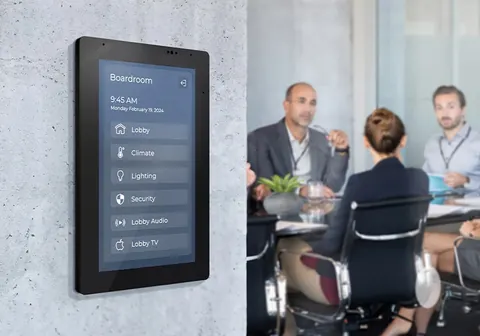
Lobby directories, meeting-room schedules, and internal communications screens that update from one login — no IT ticket per change.
Campus announcements, event schedules, and cafeteria menu boards that staff update themselves, with emergency messaging when it matters.
Event boards, concierge displays, and amenity promotion that keep guests informed — scheduled so breakfast menus hand off to evening events automatically.
Service times, event calendars, and announcements in lobbies and fellowship halls — simple enough for volunteers to keep current.
Digital menu boards with dayparted pricing, promos, and item photos — update every location's menu from one browser.
Class schedules, trainer highlights, and membership promotions that swap by time of day without touching the screen.
Community announcements, amenity hours, and event notices in the clubhouse and mail areas — updated remotely by the manager.
Interactive lobby directories, package notices, and resident announcements — like the touch-screen building directory we installed in Alpharetta.
Sales-center displays and jobsite information screens that showcase renderings, availability, and progress — updated centrally as the project moves.
Promotional displays, shopping-center directories, and customer information screens with centrally managed content and scheduled updates.
Next step
Tell us what you want to show and where. We'll design the displays, content platform, and update workflow — and give you a free quote.
Displays & players
We specify proven commercial display and player hardware matched to each location — from smart displays with built-in players to dedicated players for video walls.
Commercial signage displays with the Tizen smart platform built in — run cloud-managed content with no external player, from lobby screens to video walls.
webOS commercial displays and interactive touch screens — including the 55-inch touch directory we installed at an Alpharetta office building for self-service wayfinding.
The leading dedicated signage media players — commercial-grade, fanless, and built for 24/7 playback of demanding 4K content and video walls.
Commercial signage displays with Android built in — a strong fit for menu boards, corporate communications, and managed multi-screen rollouts.
Professional BRAVIA displays that pair commercial-grade panels and brightness with built-in signage playback for lobbies, retail, and meeting spaces.
Commercial displays that keep multi-screen deployments affordable — solid brightness and reliability for directories, menu boards, and announcement screens.
FAQ
Straightforward answers about platforms, timelines, integration, and support.
Related solutions
Most environments benefit from more than one coordinated system. These related pages help visitors understand the broader technology picture.