
Access Control · Planning guide
Shared Keypad Codes and Why They Fail for HOAs and Gyms
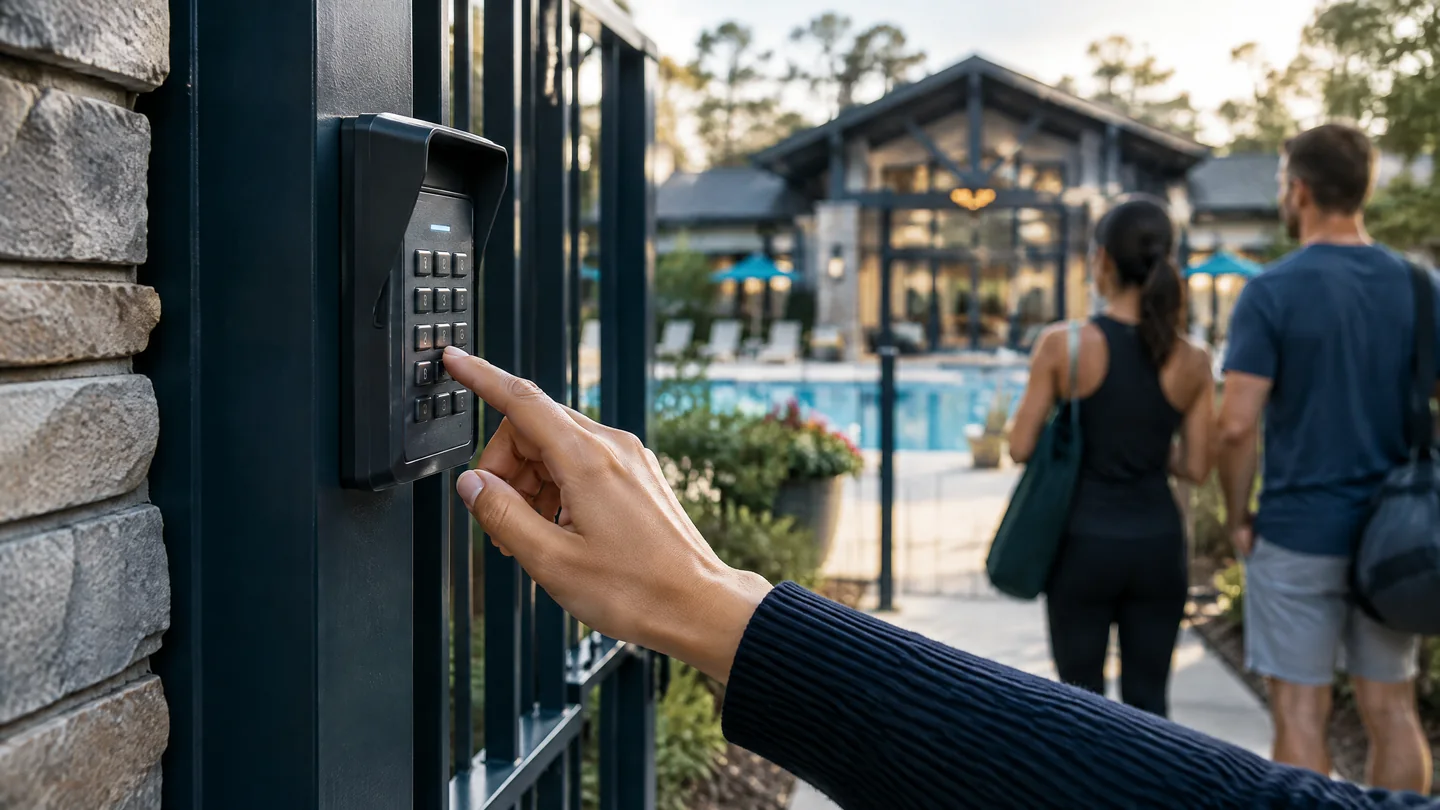
A shared keypad code is one number that opens a pool gate, gym door, or clubhouse for everyone who is supposed to be allowed in. It is inexpensive to set up. It is also a poor identity. Anyone who learns the code is treated as authorized, including people who were never on the roster.
HOAs and gyms feel this first because membership changes constantly. Residents move. Members cancel. Vendors rotate. Kids pass the code to friends. The board or front desk then faces a bad choice: leave a known-compromised code in place, or change it and re-educate every legitimate user.
Commercial access control replaces that shared secret with credentials tied to people and schedules. Media Nexus installs these systems for communities and fitness properties across Metro Atlanta and Georgia, including projects that began as a single amenity gate.
For the broader system view, read What is commercial access control? or see the
Why the model breaks on HOAs and gyms
Turnover is the normal condition
An HOA roster and a gym membership list change every month. A shared code cannot be retired for one household without being retired for all. Individual credentials can.
The code travels farther than the policy
Codes are texted to sitters, posted in Facebook groups, written on a board by the gate, and handed to friends “just this once.” After that, the association no longer controls the list of people who can enter.
Changing the code punishes the people who followed the rules
When the board finally rotates the PIN, every legitimate resident or member must be notified. People who missed the email are locked out. People who should not have the code often learn the new one from the same informal channels.
There is no useful record
A keypad event says that someone entered. It does not say who. That matters after a vandalized restroom, an after-hours noise complaint, or a door left open overnight.
Vendors and deliveries get the same secret
Pool service, landscapers, and package carriers are often given the community code because no one wants to meet them at the gate. A temporary credential or a remote unlock is a better tool for that job than a permanent shared PIN.
Swipe horizontally to compare the columns.
| Situation | Shared keypad code | Individual credentials |
|---|---|---|
| Resident or member leaves | Code still works until the whole community changes it | That person’s mobile credential, card, or fob is turned off |
| Guest or vendor for one afternoon | They receive the permanent community code | A time-limited PIN, QR code, or remote unlock, then it expires |
| Pool hours vs. after hours | The same code works whenever the keypad has power | Schedules can allow members only during posted hours |
| Who opened the gate at 11:40 p.m.? | Usually unknown | An event tied to a user; cameras can be linked to the same event |
What “individual credentials” means in practice
Each authorized person receives something the system can revoke: a mobile credential on the phone they already carry, a card or fob, or both. Guests and vendors can receive a short-lived PIN or QR code instead of the community number.
Managers add and remove people from a browser or phone. Pool hours, gym hours, and staff-only doors can follow different schedules. A shared keypad can remain as a backup for a defined group, but it should not be the only identity the door trusts.
This is the same model used when Media Nexus replaced shared amenity codes at The Willows HOA in Marietta: pool and gym access were brought onto one PDK account with individual credentials and schedules, rather than one number for the whole community.
See the project: The Willows HOA — Access Control.
Tuxford HOA in Alpharetta used cloud access on a pedestrian pool gate and clubhouse entrance, with mobile credentials and remote management. View Tuxford HOA.
When a keypad is still reasonable
A keypad is not automatically wrong. It can be a secondary method at a low-risk staff door, a fallback if a phone battery is dead, or a temporary step during a phased upgrade.
It fails as the primary control when many unrelated people share one code, when membership turns over, or when the board needs to know who entered. Those are the usual conditions at an HOA amenity and at a member gym.
How to move off a community code without chaos
- List the openings that use the shared PIN today — pool, gym, clubhouse, pedestrian gate, and any vendor door.
- Decide who should still get in after the change: current residents or members in good standing, staff, and named vendors.
- Issue individual credentials first. Keep the old code alive for a short, published overlap so people are not locked out on day one.
- Turn the shared code off on a date the community has already been told about. Do not leave it as a silent back door.
- Give vendors and deliveries a temporary method — not the resident code.
- Train the manager or board member who will add and remove people. A system nobody administers becomes a new shared secret.
Expect questions about phones versus cards. Many properties issue mobile credentials as the default and keep a small stock of cards or fobs for people who do not want to use a phone at the door.
HOAs and gyms in Atlanta and Georgia
Media Nexus Inc is based in Marietta, Georgia, and installs commercial access control across Metro Atlanta and the state, including Savannah, Augusta, Columbus, and Macon. Founded in 2007 by Eyal Kattan, the firm works on commercial and community properties, including projects that start with one amenity gate.
Fitness clubs and sports venues have the same membership-hours problem. See fitness and sports venue technology and
Frequently asked questions
Why are shared keypad codes a problem for HOAs?
Because the code is shared, it cannot be taken away from one household without changing it for every household. Codes also spread to guests and vendors. The association loses a reliable list of who can enter the pool, gym, or gate.
Do gyms have the same issue?
Yes. Memberships start and stop more often than most HOA rosters. A front-desk code or door PIN given to “members” is quickly known by former members and guests.
Can we keep a keypad and add individual credentials?
Often yes. A keypad can remain as a backup or for a small staff group while residents or members use mobile credentials or cards. The shared community number should not stay active as an unlimited master code.
Will people need a smartphone?
Not necessarily. Many systems support cards, fobs, and PINs alongside mobile credentials. The property chooses the mix. Phones are convenient for people who already carry them; they are not mandatory for every user.
What about pool service and other vendors?
Give them a vendor group with a schedule, a temporary credential, or a remote unlock when they arrive. Do not hand them the resident or member code.
Does Media Nexus replace amenity keypads in Georgia?
Yes. Media Nexus designs and installs cloud-based access control for HOA amenities, gated entries, and fitness properties in Metro Atlanta and across Georgia, including projects that replace a shared code on a single gate.
Next step
Tell us which door still uses a community code
Name the opening — pool, gym, clubhouse, or gate — and who is supposed to use it. That is enough to start a practical plan.